Run YourAcademic Lifecycle
School Admin runs the institute on NoteArch: students, teachers, attendance, curriculum, fees, and the public school website from one academic lifecycle platform.
5+
Institutes
581+
Students
47+
Teachers & staff
7
Portals in one app
One Ecosystem, Every Need
Real NoteArch products for School Admin, Teacher, Student, Parent, Contributor, TeknoBoard, and TeknoBook, shown with the same UI you get in the app.
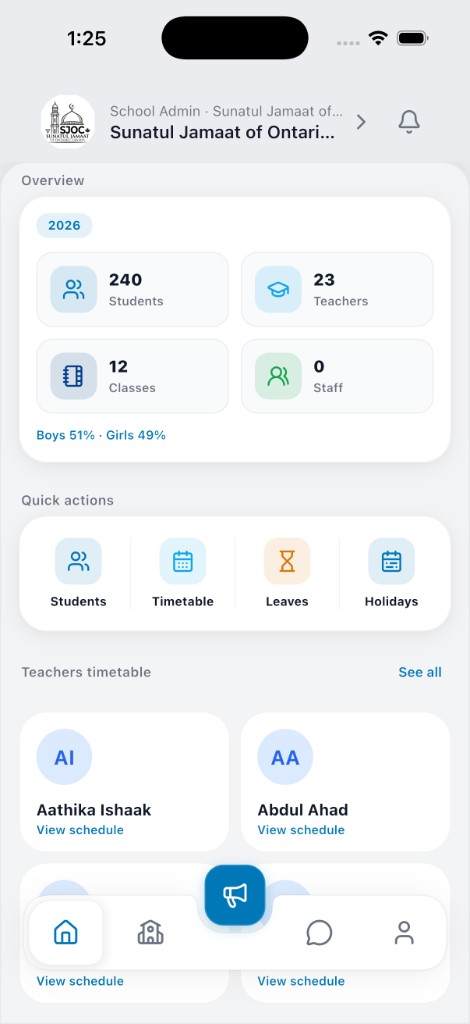
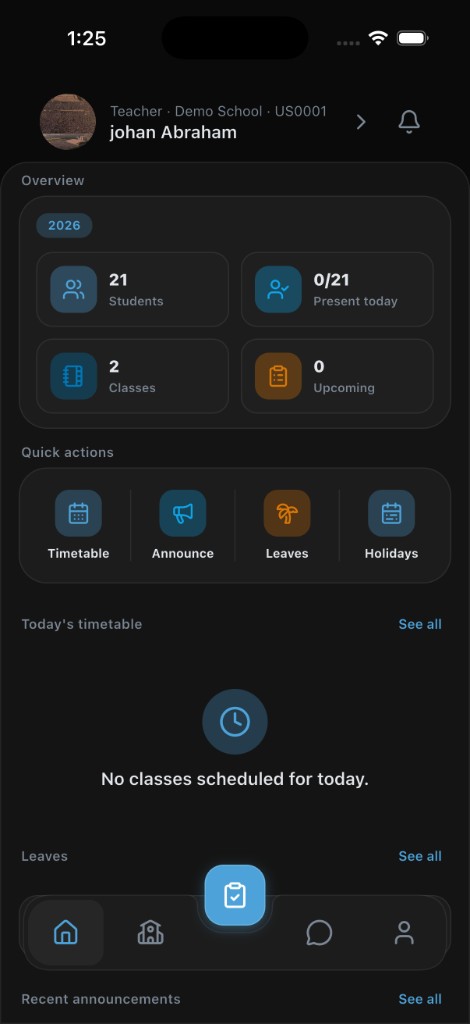
NoteArch Institution
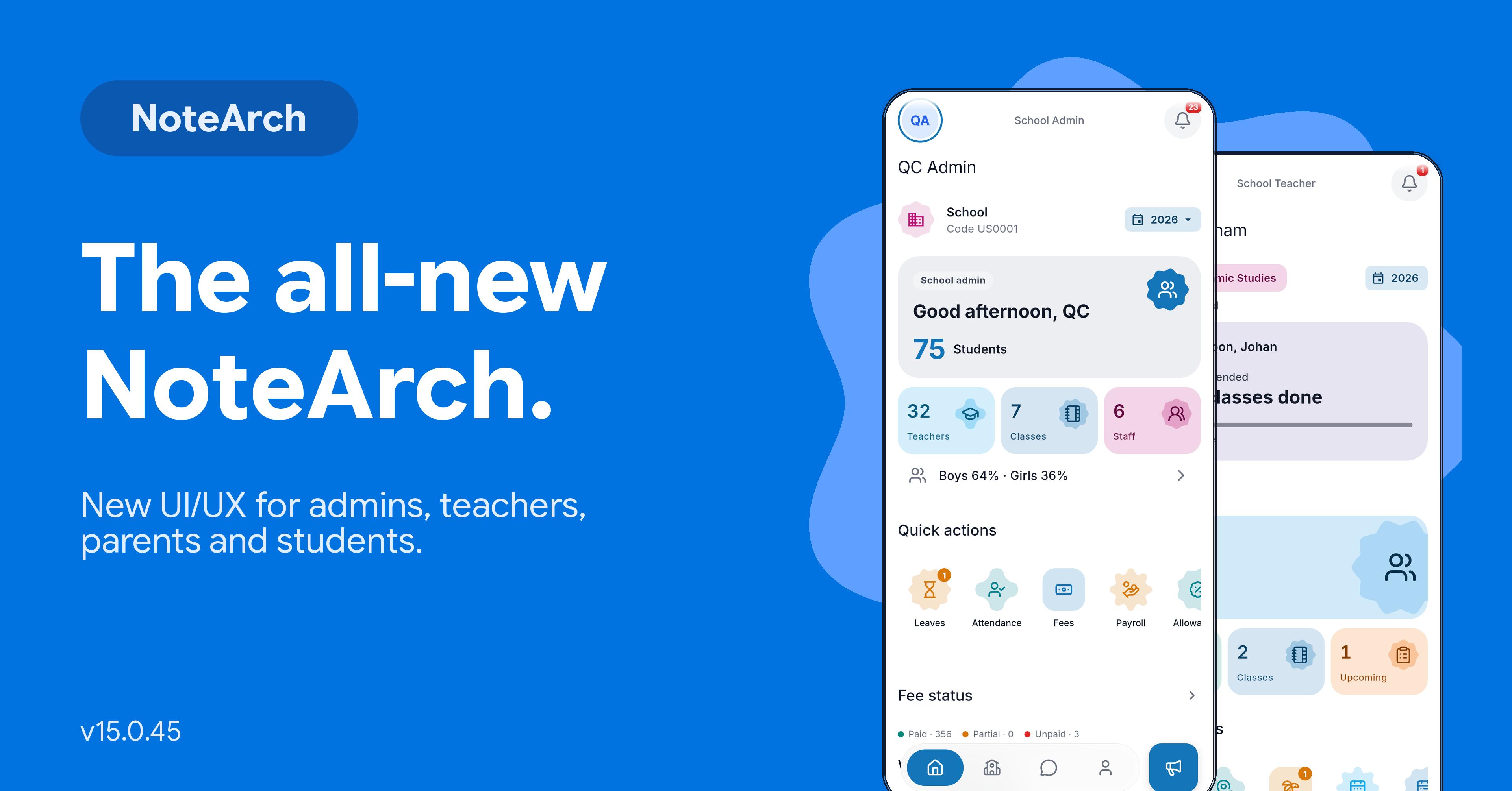
School Admin tools for institutes of any size: students, staff, attendance, syllabus, fees, exams, announcements, and your public school website in one place, with the same School Admin home you see in the mobile app.
Key Features
Institute, Coaching, and HomeschoolConnected in one shot
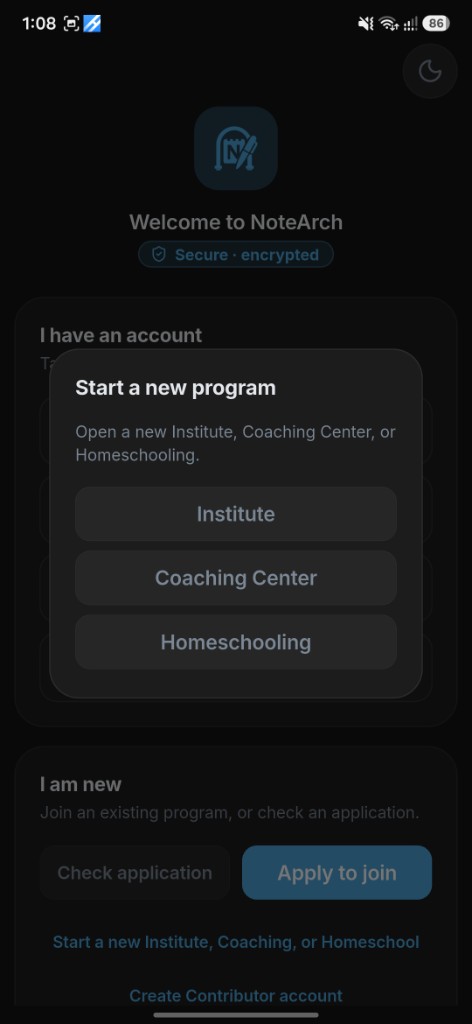
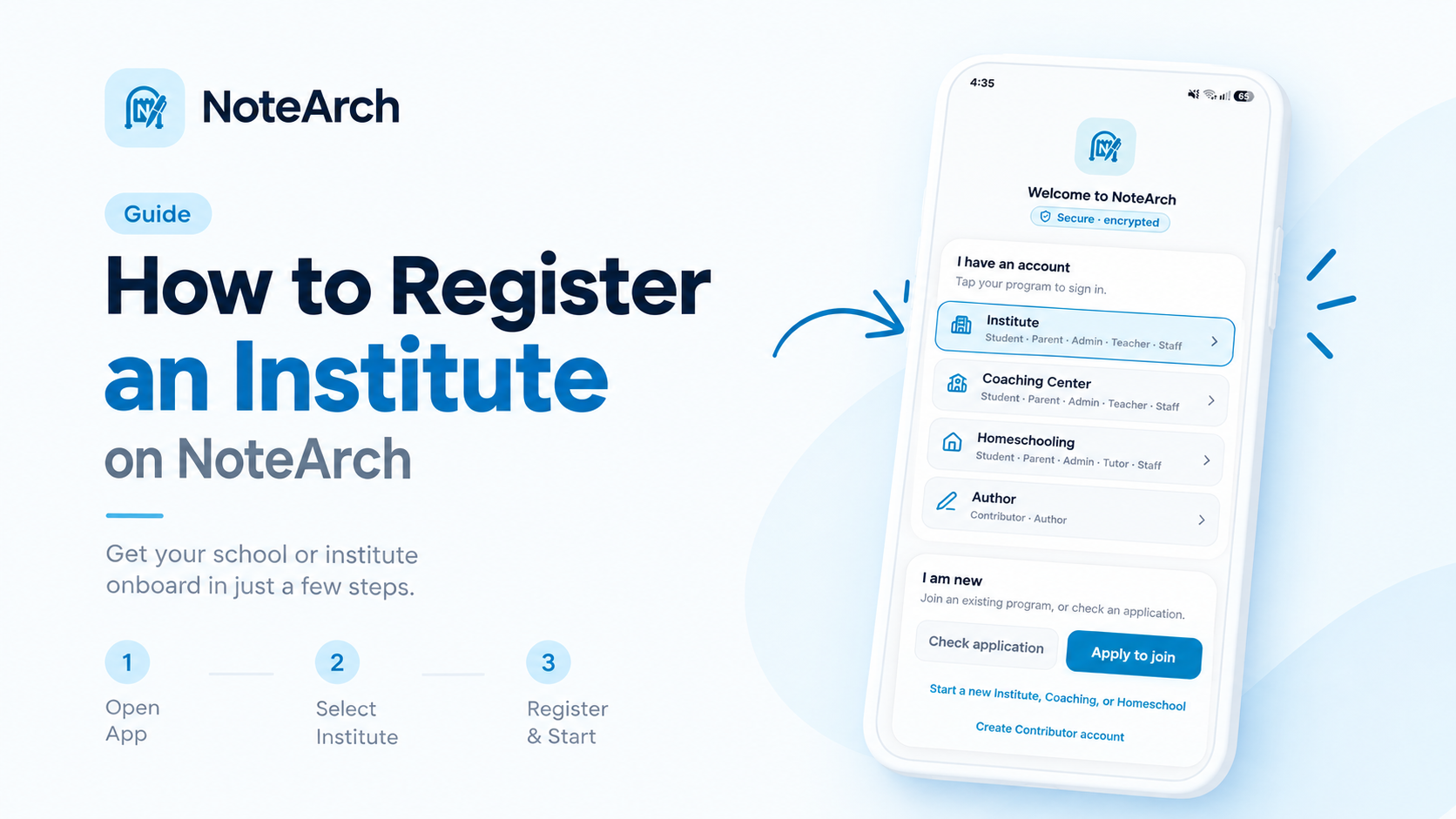
Use the NoteArch app for Institute, Coaching Center, and Homeschooling. They share one Welcome screen, one apply flow, and one start-a-program list.
Same Welcome screen
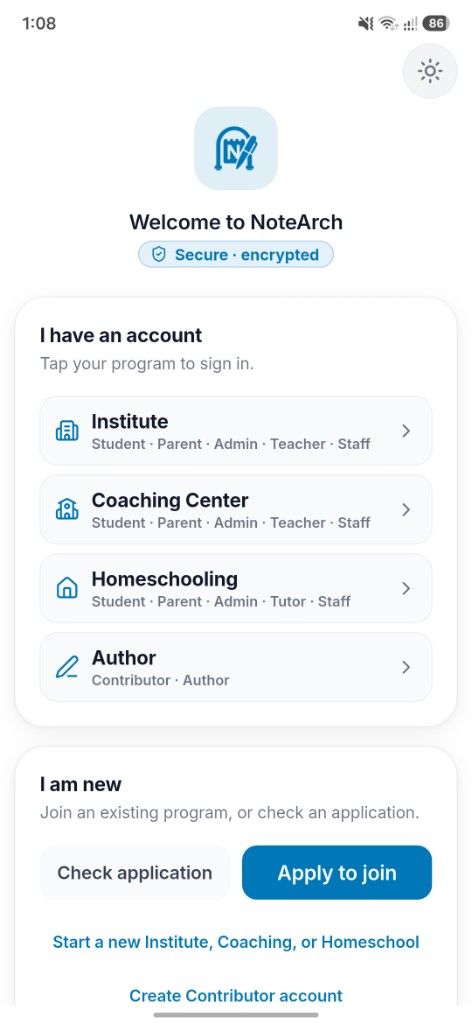
Three programs, one app
Institute
Student · Parent · Admin · Teacher · Staff
Coaching Center
Student · Parent · Admin · Teacher · Staff
Homeschooling
Student · Parent · Admin · Tutor · Staff
Sign in to the program you already have, or start a new Institute, Coaching Center, or Homeschooling from the same app. Author (Contributor) sits on that same Welcome list.
About NoteArch
360° Digitalization of
Academic Lifecycle
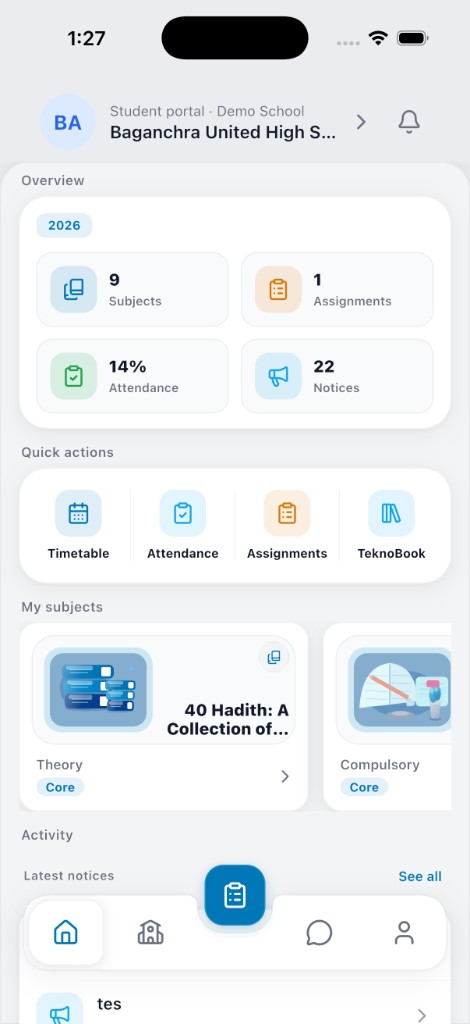
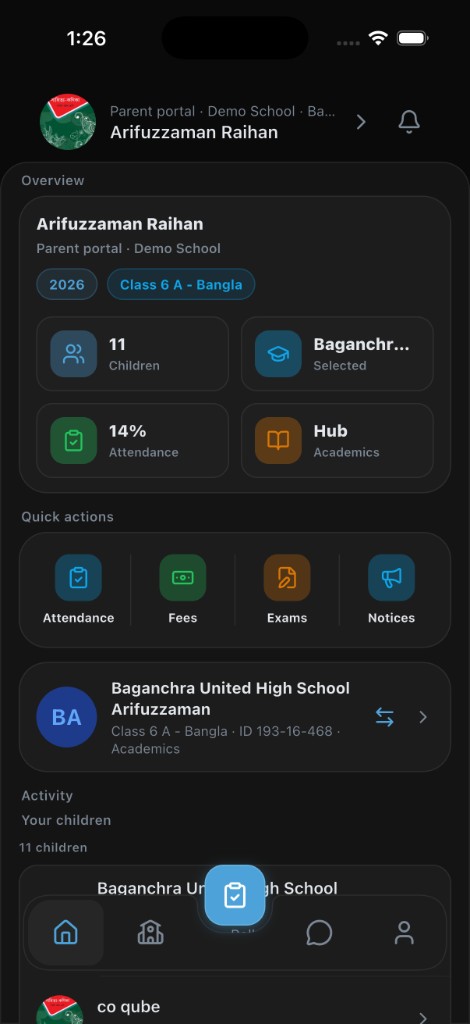
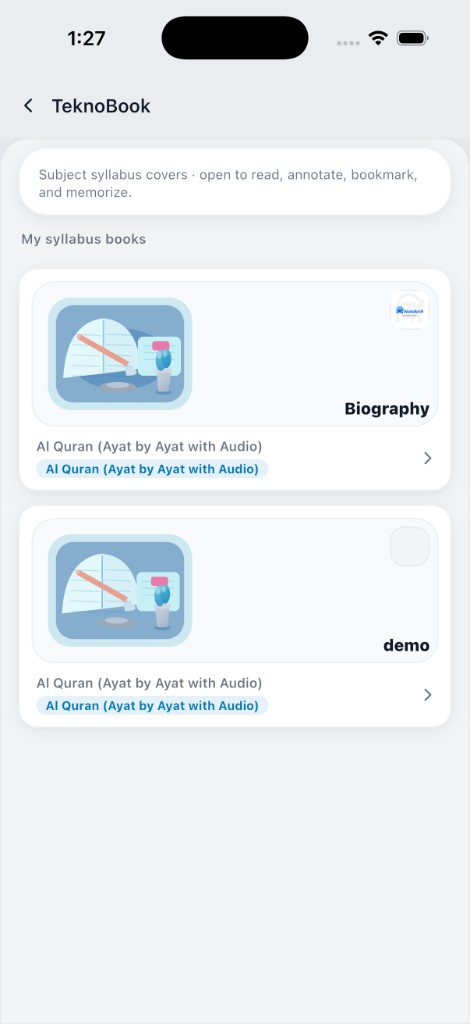
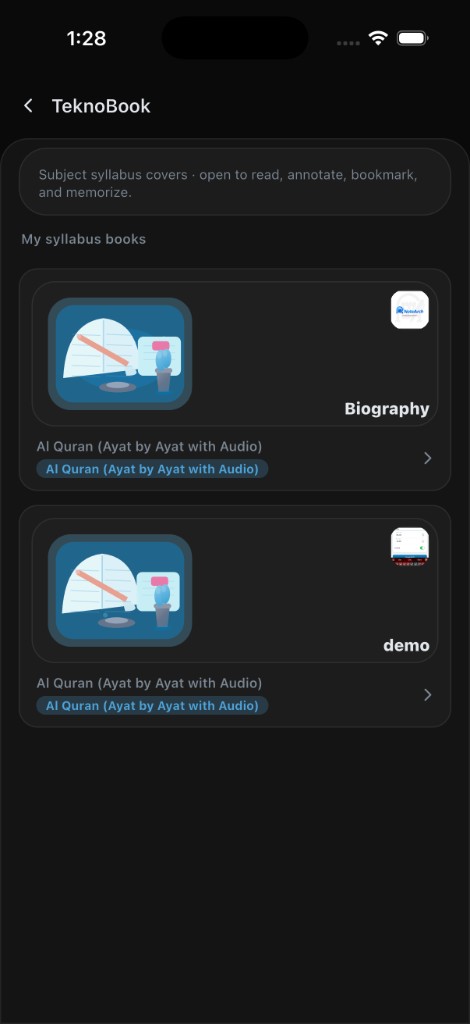
NoteArch digitizes the full academic year on one platform. School Admin and teachers manage students, staff, curriculum, attendance, fees, exams, and the school website. Student and Parent apps, Contributor book tools, TeknoBoard, and TeknoBook all connect to the same school.
Teachers mark attendance, share lessons and assignments, run exams, open TeknoBoard for class, and chat with families. School Admins manage academics, fees, staff access, and the public website. What you see in our screenshots is the real product, not a mock theme.
Students keep a simple home for classes, assignments, and results. Parents follow their child in real time. Contributors publish books into the NoteArch library. Together they keep learning records from admission through alumni.
Bridging Technology &
Academic Excellence
NoteArch was founded by educators and technologists with research and teaching experience across North America, Europe, and Asia. The goal from day one: close the gap between how institutes actually run and how families already use phones and tablets every day.
Students, parents, and teachers already live on devices. NoteArch turns that time into real school work: live records, clear screens for each role, and classroom tools like TeknoBoard and TeknoBook, instead of scattered apps and spreadsheets.
Whether an institute starts fresh on NoteArch or grows into curriculum, fees, and board teaching over time, each school keeps its own space, so learning and administration keep going when campus life is disrupted or families move.
Everything Your School Needs
The everyday work your institute already does: people, classes, attendance, exams, fees, messages, and your school website.
Everyone in your institute
Admin and teachers work on the website and the app. Students and parents use the NoteArch app with your school code.
School Admin
Run classes, people, fees, exams, leave, and your public school website from one place, on web and in the app.
Teachers
Take attendance, share lessons, set homework, run exams, follow the syllabus, and teach on TeknoBoard for their classes.
Students & parents
See timetable, lessons, homework, results, fees, and messages in the app, always for the right child.
Office staff
Give staff only the school screens they need, such as fees or attendance, without a separate product.
Class, syllabus, and teaching
Pick your curriculum, shape the syllabus for your school, and teach from it in class and on the board.
Curriculum & syllabus
Turn on the curricula you use, attach books or syllabus packs, and rename lessons or topics to match your school.
NoteArch Library
Read curriculum books in a clear reader when you need the full book, not only the class playlist.
TeknoBoard Live & Physical
Teach from the subject syllabus on Live or Physical Board, page by page, with the class staying on the same lesson.
Lessons & topics
Create lessons from syllabus chapters that are still free for a section, then track what the class has covered.
Assignments
Create homework, collect submissions, and grade with the class, subject, and due date teachers already expect.
Timetable
Build class schedules with teachers and rooms so clashes show up before the week begins.
Attendance, exams, and year end
Daily attendance and exam marks stay on each student so admin, teachers, students, and parents each see what they need.
Attendance
Mark daily or subject attendance with history. Teachers take the class; admin can review the whole school.
Exams (Normal & Pro)
Run offline or online exams. Normal uses one total mark. Pro lets you add parts, a short policy note, and linked marks.
Session year & promote
Open a new academic year and promote students without starting the school over from scratch.
Fees, payroll, and office work
Fees, leave, and expenses sit with the same school records as classes and exams.
Fees & invoices
Set fee types, monthly invoices, and concessions. Parents can follow payment status in the app.
Payroll & designations
Pay teachers and staff, keep designations, plan increments, and set office working hours.
Leave management
Leave types, applications, covers, and balances for teachers and staff in one flow.
Expenses & accounts
Log school expenses and account heads, then pull simple reports for the finance desk.
Messages, events, and your website
Keep families informed and show your school online without juggling a separate site tool.
In-app chat
Message students, parents, teachers, and staff inside NoteArch, with unread counts that update live.
Announcements
Send school-wide or class announcements so the right people see them on web and on phones.
Gallery & holidays
Share photo albums on your public site and keep a school calendar for holidays and events.
ID cards & certificates
Print student and staff ID cards and certificates from the records you already keep.
School website
Your school site for about, admission, gallery, policies, and branding, edited from the same school login.
Built for many institutes
The same NoteArch product works for schools, coaching centers, and homeschools, with labels that fit each kind.
Your school stays private
Each institute keeps its own data. Another school cannot see your students, fees, or messages.
School, Coaching & Homeschool
One product for all three. Coaching can say Type and Batch. Homeschool can keep Class and Batch together.
So, How Does It Work?
Getting started with NoteArch is simple: three steps to digitize your institute.
- 01Step 01
Register and set up
Create your school on NoteArch and pick a package. School Admin gets the desktop dashboard and mobile School Admin home right away.
Register - 02Step 02
Add people and curriculum
Invite teachers, students, parents, and staff. Build subject syllabus covers from the NoteArch library, then assign class subjects the Teacher app already understands.
- 03Step 03
Teach, track, and grow
Run attendance, lessons, TeknoBoard, fees, and exams. Admins and teachers work on web or app; students and parents use the NoteArch app on the same school.
Supported payment gateways
Schools, colleges, madrasas and coaching centers collect fees online with the gateway available in their country. Parents and students pay from the NoteArch app.
Bangladesh
Currency: BDT
India

Currency: INR
Nigeria and Ghana
Nigeria, Ghana


Currency: Your institute currency
Other African countries
South Africa, Kenya, Tanzania, Uganda, Rwanda, Zambia, Malawi, Namibia, Botswana, Egypt, Morocco, Côte d’Ivoire, Senegal, Cameroon, Angola, Ethiopia, Mozambique
Currency: Your institute currency
All other countries
Any country not listed above
Currency: Your institute currency
Frequently Asked Questions
Everything you need to know about NoteArch.
Download the App
Every Portal in Your Pocket
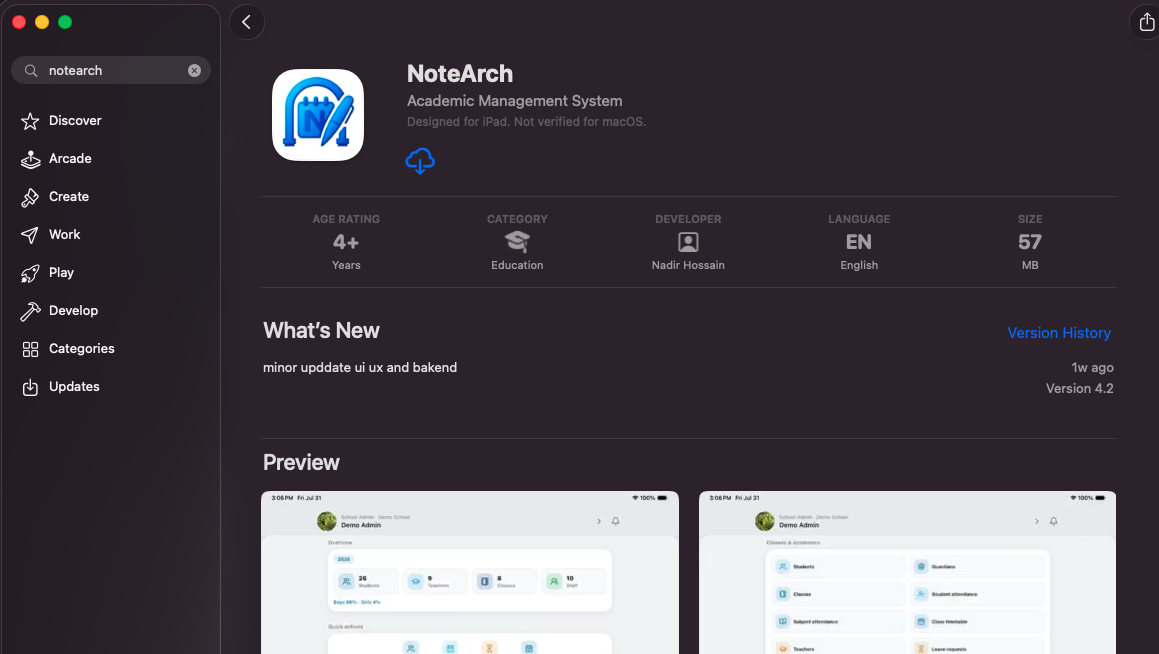
Install NoteArch on phone or tablet. Open School Admin home, Teacher home, Student home, Parent home, Contributor library, or TeknoBook, with the same light and dark UI captured from the real app.


Schools That Trust NoteArch
Join a growing network of institutions already managing their school smarter.




Latest Articles
Insights, guides and updates from the NoteArch team.
Get In Touch
Have questions? We'd love to hear from you. Send us a message and we'll respond as soon as possible.
Call Us
+1 (514) 757-4813
Email Us
hello@notearch.com
Visit Us
Suite 700 55 Town Centre Crt TORONTO, ON M1P 4X4 Canada
Working Hours
Mon-Fri, 9:00 AM - 6:00 PM
Explore the NoteArch education platform
NoteArch is a top rated AI academic platform for online learning, school management, teachers, students, and parents. Start from the topic you searched: best education platform, AI education platform, school management, and more.