How to Install & Register Any Institute on NoteArch
Whether you run a School, Coaching Center, or Homeschool, setting up your academic management platform takes less than 2 minutes. Follow our 1-click step-by-step walkthrough.
- Under 2 Minutes
- Setup Time
- 3 Dedicated Programs
- Supported Types
- Web, iOS & Android
- Platform Access
- End-to-End Encrypted
- Security
Mobile App & Web Visual Interface
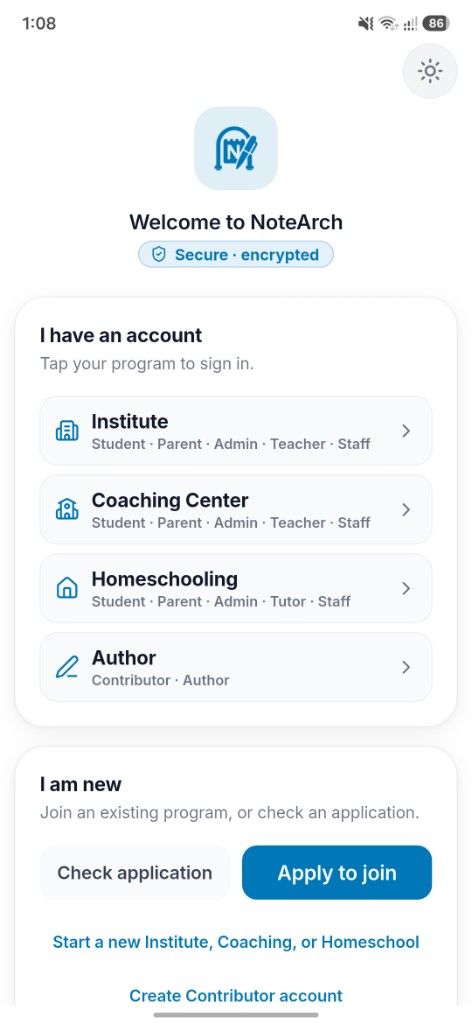
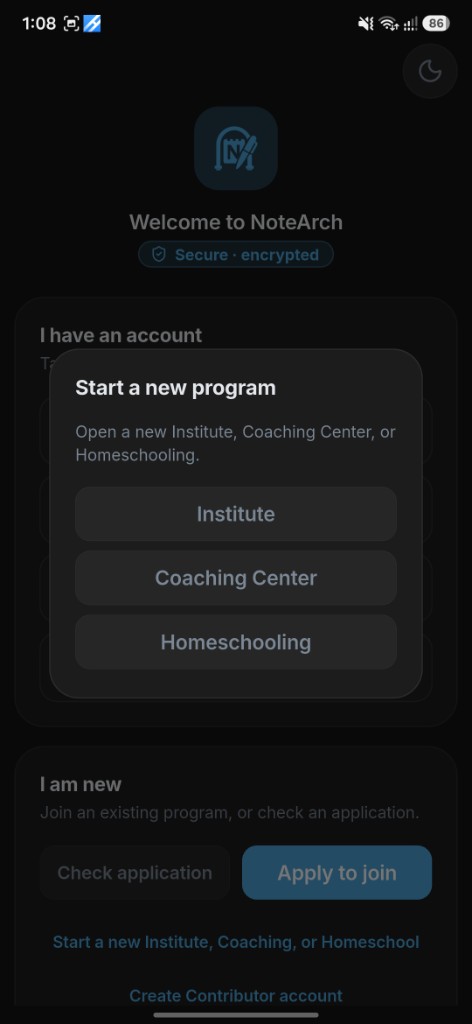
Look at how intuitive the registration process is on your smartphone or browser. Full mobile screenshots displayed below:
1. Welcome & Entry Screen
Clean login hubs for existing institutes and the 1-click 'Start a new Institute, Coaching, or Homeschool' button.
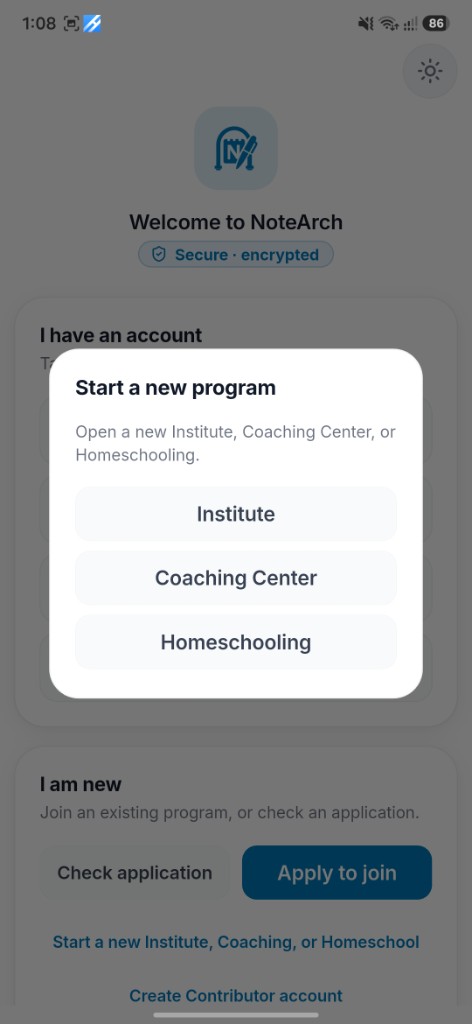
2. Program Selection Modal
Instant 1-click pop-up to choose between Institute, Coaching Center, or Homeschooling.
4-Step Instant Onboarding Workflow
Open NoteArch App or Web Portal
Launch the NoteArch mobile application on your Android/iOS phone, or open notearch.com on your computer browser. You will see the secure, encrypted welcome screen.
Click 'Start a new Institute, Coaching, or Homeschool'
Under the 'I am new' section at the bottom, tap 'Start a new Institute, Coaching, or Homeschool'. A clean modal pop-up appears immediately with all available programs.
Select Your Dedicated Program Type
Choose from 3 purpose-built academic structures tailored precisely to your operational model:
- Institute: For K-12 schools, colleges, madrasahs, and universities (Class & Section structure).
- Coaching Center: For exam prep, competitive batches, and academies (Coaching Type & Batch structure).
- Homeschooling: For private tutors, micro-schools, and parent cooperatives (Class & Batch with Tutor attribution).
Complete Fast Form & Instant Activation
Enter your institute name, official contact email, phone number, and location. Your isolated tenant database, unique institute code, admin credentials, and public website are provisioned immediately.
Choose The Right Program For Your Organization
NoteArch automatically configures portals, labels, and routines based on your selection.
Institute (Schools & Colleges)
Formal Schools, Colleges & Madrasahs
K-12 schools, madrashas, polytechnics & colleges needing formal academic workflows.
Coaching Center
Academic Batches, Test Prep & Academies
Admission coaching, job exam batches, academic tutoring centers & competitive training.
Homeschooling
Private Tutors & Parent Learning Co-ops
Homeschool parents, tutor circles, private learning pods & customized education.
Frequently Asked Questions
Ready to Transform Your Institute?
Join hundreds of forward-thinking institutions powered by NoteArch today.